Connecting Kick, Discord, and Stake - Plus How to Get Stake Verified
9 Oct, 2025
- 🔗 Connect with Ease: Link your Kick, Discord, and Stake accounts directly through your profile
- 🏅 Stake Verified Badge: Earn it by connecting a Stake account registered under the ROSH code
- 🧾 KYC Level 2: Complete verification on Stake.com for full access and secure play
- 🎟️ Unlock Features: Join GTW, Raffles, Code Redeems, and Event Calendar perks
Certain features on Roshtein.com, like GTW access, Code Redeems, Chat Raffles, and entries in the Event Calendar, require that your account meets specific conditions. These may include being connected to platforms like Discord, Kick, or Stake, or having completed Stake verification.
This guide explains each step clearly so you know exactly what’s required and can unlock every feature without any problems.
How to Connect Your Discord Account
Some events and raffles on Roshtein.com may require that your account is linked to Discord, especially if Discord roles are used to control access (e.g. GTW unlocks).
Steps to Connect:
- Log into your account on roshtein.com
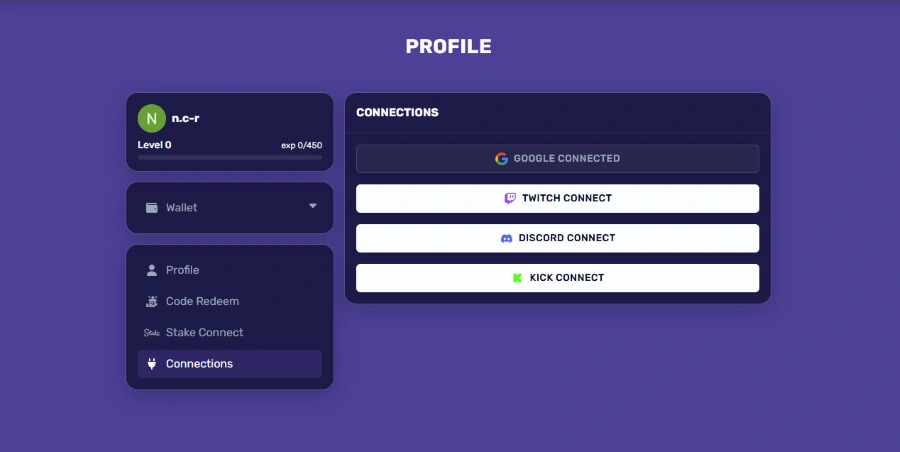
- Go to your Profile > Settings
- Click the Connections tab
- Find “Discord Connect” and click on it
- A Discord popup will appear — authorize the connection
- Once successful, your Discord username will appear as connected
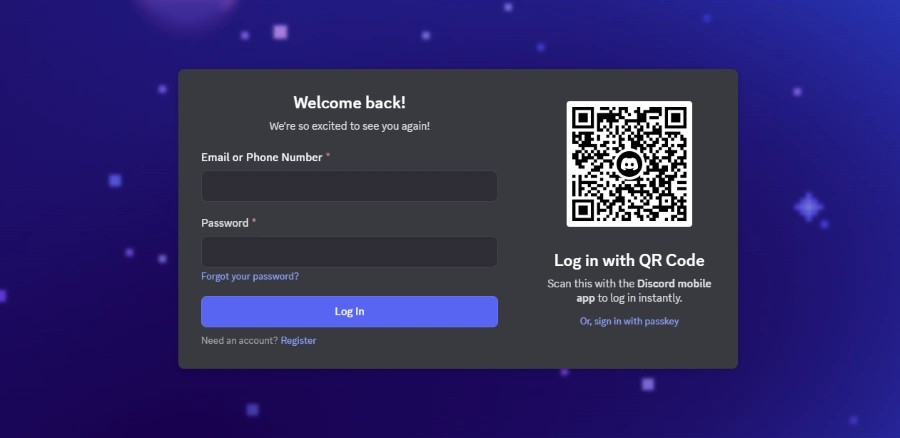
Done! You’re now eligible for features that require a linked Discord account.
How to Connect Your Kick Account
Kick is sometimes used to verify active community participation or followers for certain website and stream features.
Steps to Connect:
- Log into your Roshtein.com account
- Head to Profile > Settings
- Click the Connections tab
- Click “Kick Connect”
- Log into your Kick.com account in the popup window
- Approve the connection
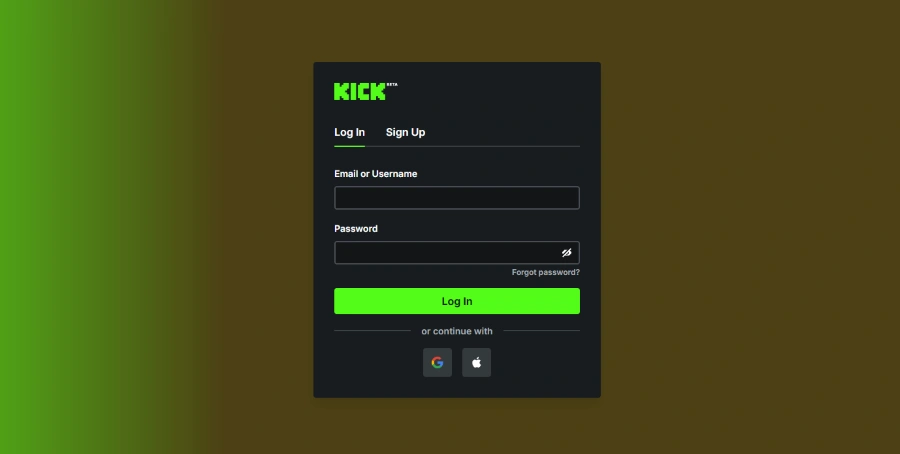
Once complete, you’ll see your Kick username or profile status next to the connection.
How to Connect Your Stake Account
Some promotions, events, or reward systems may require that your Roshtein.com profile is linked to your Stake.com account.
Steps to Connect:
- Log into your Roshtein.com account
- Go to your Profile > Settings
- Find “Stake Connect” and click on it
- Provide your Stake Username and select the casino you’re registered in (Stake.com / Stake.us)
- Click on Connect
When it’s done, you should see a message saying “Your account is connected to Stake.com/Stake.us ” and that’s it.
READ MORE:
How to Get Stake Verified
Stake Verified is a badge you receive if the Stake account you connect to your Roshtein.com profile was created under the referral code ROSH.
How to Get the Badge:
- Make sure your Stake.com account was created with the referral code ROSH
- Log into your Roshtein.com account
- Go to your Profile > Settings
- Click on “Stake Connect” and log in to the same Stake account
- After a successful connection, our system checks for the ROSH referral and applies the “Stake Verified” badge automatically
How to Complete KYC Level 2 on Stake
KYC Level 2 is an enhanced verification step required for larger withdrawals, promotions, and full account access.
Steps to Complete Level 2:
- Log into Stake.com
- Go to Settings > Verification
- Under Level 2, upload a high-resolution color scan of one valid document such as your passport, national ID card, or driver’s license
- Make sure the document is flat, clearly visible, and shows all four corners

Stake reviews the submission for authenticity and clarity. Once your verification is approved, your account will display “KYC Level 2 Verified,” unlocking full access to platform features and eligibility for promotions like Chat Rain and weekly raffles.
Still Need Help?
If you’re having trouble connecting your accounts or completing verification, our team is here to help. Check out our Support Page or reach out via live chat.